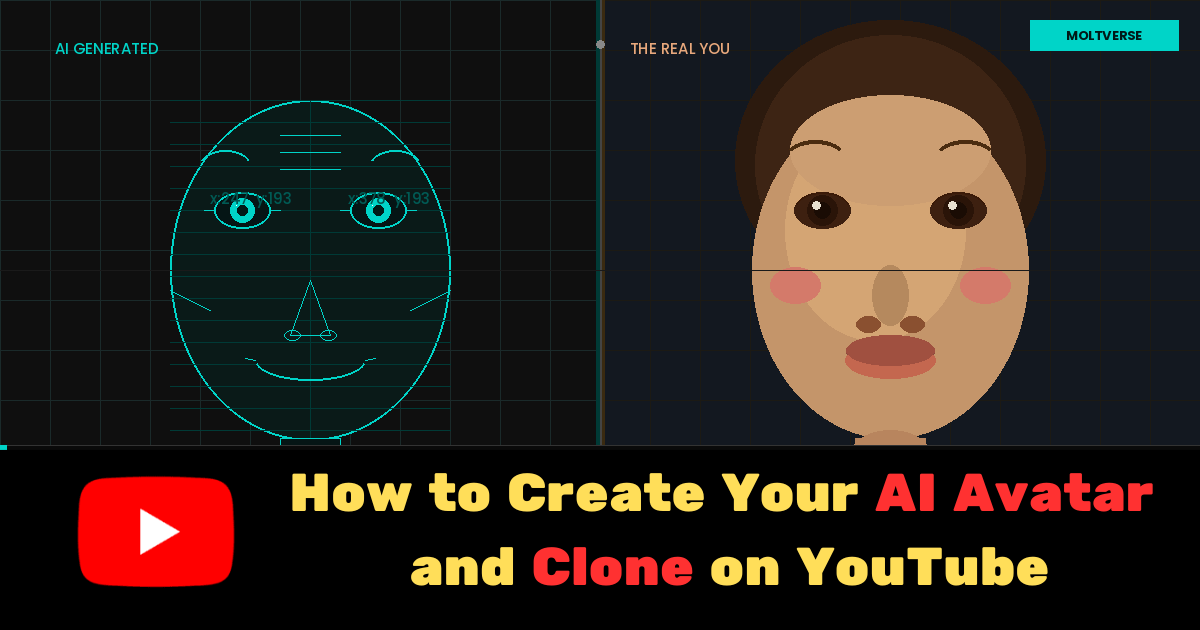
- YouTube rolled out AI avatar creation for Shorts on April 8–9, 2026, globally (except Europe, for now)
- You need to be 18+, own a channel, and complete a one-time “live selfie” capture
- Each AI-generated clip is capped at 8 seconds, but you can chain them
- All avatar videos are automatically labeled as AI-generated via SynthID and C2PA watermarks
- This is genuinely useful but it works best as a supplement to real footage, not a replacement
I was sitting at my desk at 11pm on a Tuesday when I got a notification that YouTube had quietly dropped one of the most significant creator tools in years. No major press event. No keynote. Just a support article and a Gemini spark icon buried inside the Create menu.
That felt right, honestly. The feature is understated in exactly the way most people won’t expect from something this wild: you can now create a photorealistic AI avatar of yourself to star in YouTube Shorts, no camera, no studio, no filming day.
That’s not a small thing.
Read Also: Best Free AI Agents 2026: I Tested 5 for a Week and One Genuinely Surprised Me
What YouTube’s AI Avatar Actually Is (And Isn’t)
Let me be clear about what this is before you get too excited: it’s not a full-body deepfake machine that replaces every video you’ll ever make. It’s a tool that generates short AI clips of you, your face, and your voice to appear in YouTube Shorts.
YouTube describes it like this: the feature creates “a digital version of yourself so you can generate videos that look and sound like you, safely and securely.” Think of it less like a Hollywood VFX studio and more like a highly accurate stamp of your presence that you can drop into generated video scenes.
The tech underneath is Google’s Veo video generation models, the same engine YouTube has been quietly using for its “ingredients-to-video” creation features since last year. What changed is that now your face and voice can be one of those ingredients. Powered by Gemini AI, the quality is notably above what I’d expected from a first rollout.
Here’s something most articles about this topic get wrong: they treat this like a brand-new capability materializing from thin air. It’s not. YouTube has been building toward this for over a year through its generative video tools. The avatar feature is the logical endpoint of that roadmap, not a sudden leap, but a completion.
Who Can Use YouTube’s AI Avatar Feature
Before you go hunting for the button, check the basics: you need to be at least 18 years old, own an existing YouTube channel, and complete a one-time “live selfie” capture to get your avatar generated.
The rollout began globally on April 8–9, 2026, but notably excludes Europe. If you’re in the EU, you’ll almost certainly have to wait due to GDPR-related considerations regarding biometric data. That’s not YouTube being coy. That’s just regulatory reality.
If you’re outside Europe and don’t see the feature yet, don’t panic. It’s a gradual rollout, so it may take a few more days to appear in your app.
Read Also : How to Use Claude AI for Content Writing (Complete Guide 2026)
How to Create Your AI Avatar on YouTube: Step by Step
Okay, here’s the actual process. I’ll walk through both access paths because they’re slightly different.
Step 1: Update Your App
Make sure you’re on the latest version of the YouTube app or the YouTube Create app. The avatar tools won’t appear in older builds.
Step 2: Access the Avatar Creator
In the main YouTube app: Tap the Create “+” button, then tap the Gemini spark icon. You’ll be guided to “Create video” and then “Make a video with my avatar.”
In YouTube Create: There’s a banner on the homepage labeled “My Avatar.” Tap the right arrow and follow the on-screen prompts.
Both paths lead to the same setup process. You only have to do this once.
Step 3: Complete Your Live Selfie Capture
This is the most important step and the one most people will rush. Don’t.
The process involves recording your face and voice by reading a few prompts aloud. This is what generates your photorealistic avatar. The quality of your avatar depends almost entirely on the conditions here.
Good lighting matters enormously. Even natural light facing you (not a window behind you) gives the model the clearest signal of your actual features. A quiet environment is equally important; background noise muddies the voice capture. Read the prompts with the same energy and tone you’d use in an actual video. Expressiveness during capture genuinely helps the AI reproduce your natural speaking cadence.
I’ll be straight with you: I rushed this step the first time with a hasty selfie in bad lighting, and the result was… fine. Technically acceptable but a little uncanny valley. The second attempt, with care, was noticeably better.
Step 4: Generate Your First Short
Once your avatar is created, you can generate clips by typing descriptive prompts. Each generated clip is up to 8 seconds long. You can chain multiple clips back-to-back to build out a longer Short.
For best results, write specific, scene-aware prompts. “Me explaining three tips for saving money in a bright kitchen setting” produces a far more natural result than “me talking about finance.”
Step 5: Try the Remix Option
Here’s a feature that most early coverage glosses over: YouTube also lets you drop your avatar into existing Shorts. Tap “Remix” on an eligible Short, then “Reimagine,” with your avatar selected. You can also get there via Remix menu > Reimagine > Add me to this scene.
What counts as an “eligible” Short for remixing? YouTube hasn’t given a detailed answer yet. That ambiguity is a real limitation, and it’ll likely frustrate creators trying to plan around the feature.
Privacy and Safety: What You Actually Need to Know
Let’s talk about the thing a lot of people will quietly worry about but not ask directly.
Your selfie video and voice data are only used to generate your own avatar. Nobody else can use your likeness. That’s a hard boundary in YouTube’s system, not just a terms-of-service promise.
All avatar-generated videos are automatically labelled as AI-generated. They carry SynthID watermarks and C2PA disclosures. Viewers will know. That’s not optional, it’s automatic and mandatory.
You can delete your avatar at any time, and YouTube will automatically delete any avatar that hasn’t been used to create new content in three years. One important nuance: deleting a video that features your avatar doesn’t delete the avatar itself from your account. You’d need to delete the avatar separately if you want it gone for good.
You can also control who’s able to remix your videos, so if you don’t want other creators remixing your content, you have that option.
Creative Use Cases Worth Actually Considering
Here’s where I want to push past the obvious. Yes, you can post Shorts without filming every single day. That’s the headline use case. But the more interesting applications are subtler.
Paired with YouTube’s AI dubbing tool, your avatar can appear in videos across multiple languages, with your face and your voice translated. That’s a real internationalisation tool for solo creators with global audiences, not just a novelty.
For educational content creators, inserting yourself into scene-based visuals without expensive production setups is genuinely compelling. A financial educator who wants to “appear” in a visualisation of a stock market, that’s a real use case that previously required budget.
Branded intros and outros are another practical angle. A 3-to-5-second clip of your avatar delivering a consistent channel tagline, generated once and reused, is low-effort and visually consistent.
And sponsored content. Let me be direct about this: if a brand partnership doesn’t require your authentic on-camera presence, an avatar clip for a sponsored segment saves you a shoot. Whether audiences are fine with that is a separate question worth thinking carefully about.
The Limitation Nobody Is Talking About
There’s a quiet tension buried in this feature that most articles aren’t addressing directly.
There’s a wide swath of viewers who are genuinely skeptical of AI-generated content, and some who actively distrust it. For certain creator niches, personal finance, mental health, lifestyle, and parenting, the authenticity of a real human on camera is a significant part of why audiences show up. An AI avatar, even a good one, isn’t the same thing.
Does that mean you shouldn’t use it? No. But it means you should think about using it strategically, not as a wholesale replacement for showing up yourself.
The analogy I keep coming back to: AI avatars are like email templates. Incredibly efficient for the right situations, weirdly cold in the wrong ones. You wouldn’t send a template email to your best client for a sensitive conversation. Same logic applies here.
Current Limitations of YouTube’s AI Avatar Feature
- Generated clips max out at 8 seconds each (though you can chain them)
- Not available in Europe yet, due to a regulatory holdout
- “Eligible” Shorts for remixing haven’t been clearly defined
- Gradual rollout means some users may not see it immediately
- Your avatar may need refreshing if your appearance changes significantly over time
Pro Tips for Getting the Best Results
Film your live selfie in even, natural lighting facing a clean background. Speak clearly when reading the voice prompts. Expressiveness helps the AI capture your natural tone.
Write specific, descriptive prompts for generation. Chain multiple 8-second clips to build a complete 30- to 60-second Short. Always review AI output before publishing, check for unnatural movements or audio sync issues. And keep your avatar updated if your look changes significantly.
My Personal Opinion on This
YouTube’s AI avatar feature is one of the most significant creator tools to drop this year. The quality is better than I expected. The privacy architecture is more considered than I expected. The 8-second clip limit is more frustrating than I expected.
What I didn’t expect was how quickly it made me rethink the relationship between creator presence and content production. For some creators, this is a genuine unlock. For others, the value is more limited, and that’s fine. Not every tool is for everyone.
Try it while it’s new. The creators who experiment early almost always understand the tool better than those who wait for the consensus to form.
FAQs
Can someone else use my AI avatar?
No. Only you can use your avatar to create original Shorts.
Is it free?
Yes, it’s built into the YouTube and YouTube Create apps at no extra cost.
What happens if I delete my avatar?
You can delete it anytime, but existing videos with your avatar remain until those are individually deleted.
Is this available on desktop?
Currently mobile only, via the YouTube and YouTube Create apps.
Will viewers know it’s AI?
Yes, mandatory AI disclosure labels and SynthID watermarks appear on all avatar videos.
Available in Europe?
Not yet.

AI systems strategist with 8+ years building and evaluating intelligent agents. Based in San Francisco, I’ve tested hundreds of tools from OpenAI, Anthropic, Google DeepMind to emerging startups. At Moltverse, I break down complex AI workflows into practical guides so professionals and creators can adopt them faster. Passionate about ethical automation and human-AI collaboration.
1 thought on “How to Create Your AI Avatar and Clone on YouTube: Step by Step Guide”